Showing posts with label Word of the Day. Show all posts

Friday, July 22, 2016

Review - Thesaurus.com

Basic & Essential Features

This site is designed for you to navigate among different words through their relationships (e.g., synonyms and antonyms).  In fact, the entire site is designed to support the exploration of these relationships. Users can search for a word to find a list of related words, including synonyms and antonyms (see Figure 1), and then continuously click on the links provided to find the related words of related words.


They also provide a free app version, which makes it handy (iOS/Android)

Link: http://www.thesaurus.com/.

Figure 1: The word 'happy' with its synonyms and antonyms.

Features for ESL Learners

If you need a definition, you can also click on the ‘see definition of (the word)’ link right next to the word and you will be redirected to the definition page on dictionary.com, as shown in Figure X. One feature that is missing from this thesaurus site is to visualize or signal the similarity and differences between all the presented synonyms and antonyms. The site does try to color-code some of the words in the synonym section in gradient based on individual relevancy to the selected word. Therefore, you can focus on those words that have heavier background first as they are considered to be more relevant. However, you have to click and read the definition of each word to know the differences.

Figure 2: Definition of the word can be found by clicking on the 'see definition of ...' link right next to the word.

Another feature that I found would be really useful for ESL learners (and maybe even general English learners) is having separate tabs for different definitions. For instance, the word 'happy' has two definitions: 'in high spirits; satisfied' and 'lucky.' The site provides a different set of synonyms and antonyms for each definition in different tabs. As a result, you can use the tab to understand how a word's meaning might be similar or dissimilar to another set of words under different definitions, as shown in Figure 2 above.

Interesting Features

Right under each tab for individual definitions, there are currently three widgets you can use to filter (or to annotate by color coding). These three widgets allow you to sort and annotate the synonyms and antonyms by their relevance, complexity (difficulty), and length, by moving the sliders to change the threshold for each scale. Those words will then be sorted and color-coded based on the thresholds you set. I found the first two filters especially interesting as you can use the first feature (relevance) allow you to see how different these words are to the word being looked up. The second feature (complexity/difficulty) allows you to color-code words by its complexity, which I take it as how advanced a word is. You can use these features to gauge the words that you could maybe master first and those words that are relatively advanced to master at that moment, as you can see in Figure 3.

Figure 3: This is an entry showing the synonyms of the word 'happy', color coded by their complexity.

Credibility

The site consists of content of the Roget's 21st Century Thesaurus, Third Edition by the Philip Lief Group. The Philip Lief  Group is a publishing company,which has been characterized by The New York Times as creating "consistent best-sellers."' As a result, I would expect the content to have some credibility.


Note:

  1. All the screenshots are taken on Thesaurus.com.
  2. This work is an extension of a course project for ELI 510 offered by the English Language Institute at the University of Michigan.
  3. Thanks to my former instructor, Pamela Bogart, who has kindly provided feedback and has helped me edit this review.

Monday, July 11, 2016

Review - Merriam-Webster Learner’s Dictionary


Basic and Essential Features

This site provides the most basic and essential things I need for a quick reference, such as simple definition, usage examples (see Figure 1), part-of-speech, and pronunciation. The pronunciation sample comes with good voice quality, and you can replay it multiple times, which can help you get familiar with how to pronounce the word. You can also quickly understand how to pronounce the word if you are familiar with the symbolic pronunciation coding. This site is especially useful when 1) you know the word, but just want to double check its definition or usage or 2) you don’t know the word, and need only fast and simple definitions.

They also provide a free app version, which makes it handy (iOS/Android).

Link: http://www.learnersdictionary.com/


Figure 1: A dictionary entry with a simple definition and usage examples.

Features for ESL Learners

There are several highly useful features for ESL learners. First, the dictionary lists the part of speech (e.g., verb, noun, adjective) information at the very top for an entry (see Figure 2), which allows you to quickly assess 1) how this word can be used differently and 2) whether you are actually on the entry you want (e.g., you want to see how the word ‘play’ is used as a verb rather than noun).

Figure 2: A dictionary entry with different possible part of speech.

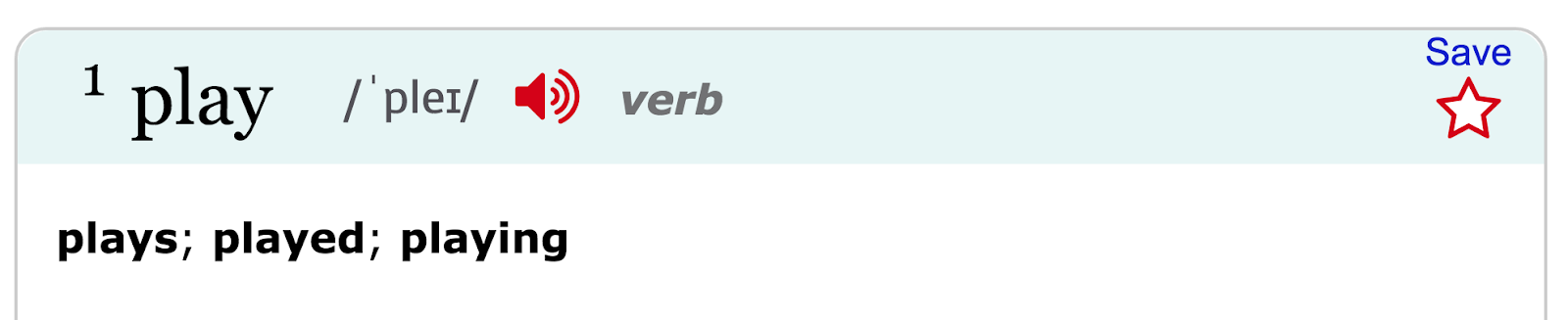
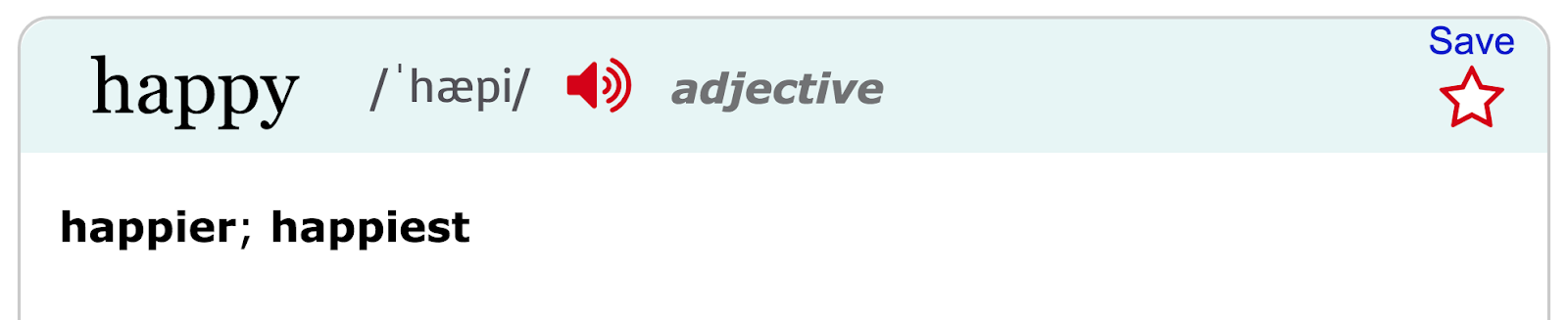
Second, the entry directly lists all the tenses for a verb, the plural form for a noun and the comparative and superlative degree of an adjective, if applicable (see Figure 3). This feature serves as a useful tool, for instance, to assist you in assessing how to use the word in its singular and plural form for a noun.

Figure 3: The upper screenshot shows the dictionary entry of the verb, play, with different tenses. The middle screenshot shows the dictionary entry of the noun, play, with its plural form. The bottom screenshot shows the dictionary entry of the adjective, happy, with its comparative and superlative degree.

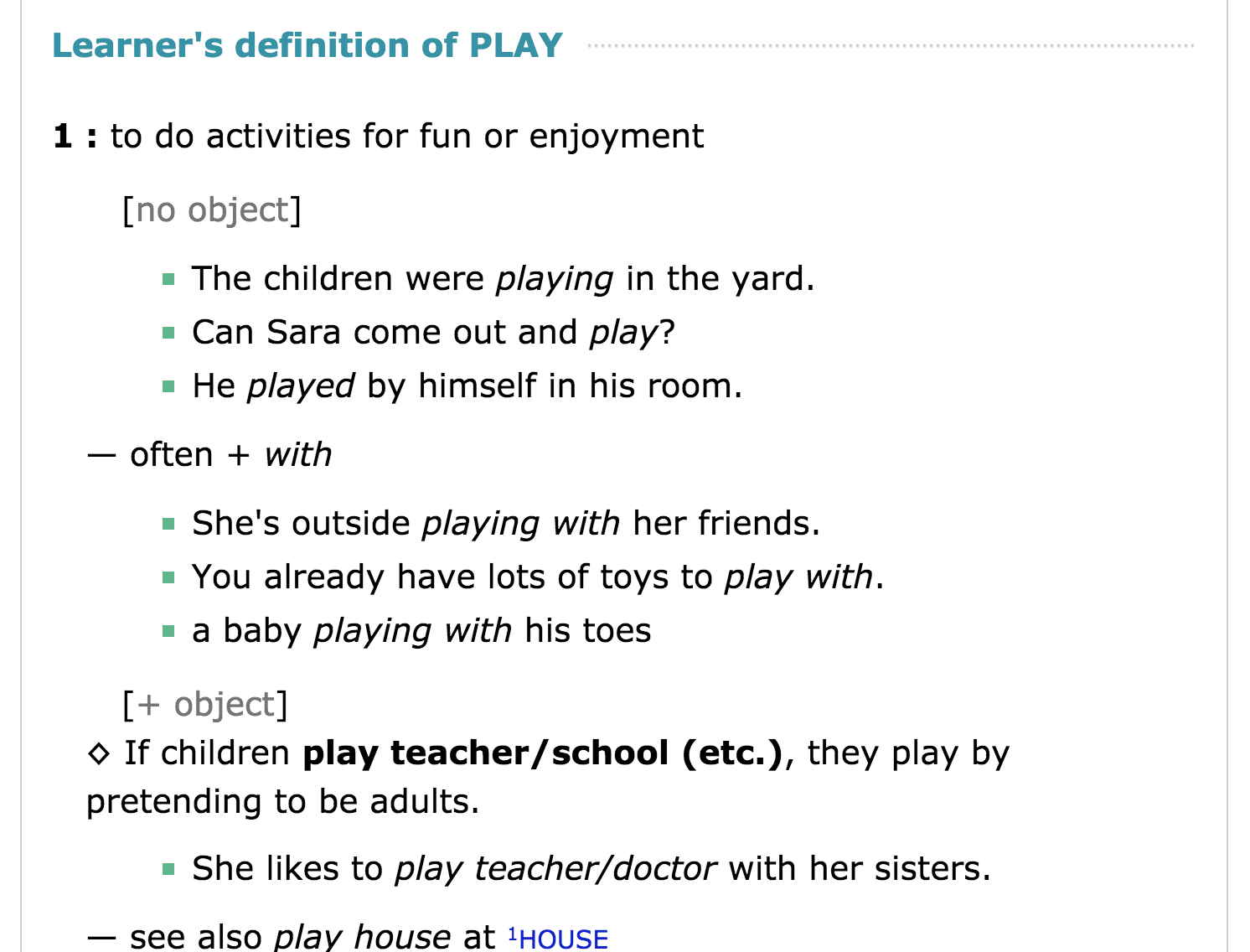
Third, each definition provides information and examples of whether a verb is used as a transitive verb or not, or how a noun is used as countable or non-countable. This could definitely assist you in deciding whether you should use the word in one form or the other (see Figure 4).

Figure 4: An entry of the verb, play, which demonstrates how to use it as an intransitive verb (no object) or a transitive verb (+ object).

Fourth, the dictionary provides some phrases that include the word you are looking for, which allows you to quickly understand how the word is used together with other words. For instance, ‘play (someone) for (something)’ for the word ‘play’ (see Figure 5). This feature makes it really useful for ESL learners to learn about regular words (in the sense that it is relatively basic and is commonly used). The database of Learner’s Dictionary probably contains fewer words compared to the regular Merriam-Webster Dictionary (see review), but contains enough words for most of the words that ESL learners (e.g., me) need at the initial phase of their learning journey.

Figure 5: The screenshot shows the phrase, ‘play (someone) for (something)’, its definition, and usage example.

Interesting Features

Some additional features include 'saving' the word into your own list (required account login that is free to sign up) for you to return to later and you can comment or start a discussion at the end of the entry. You can also see other discussions within the community by clicking on the ‘Community’ tab.
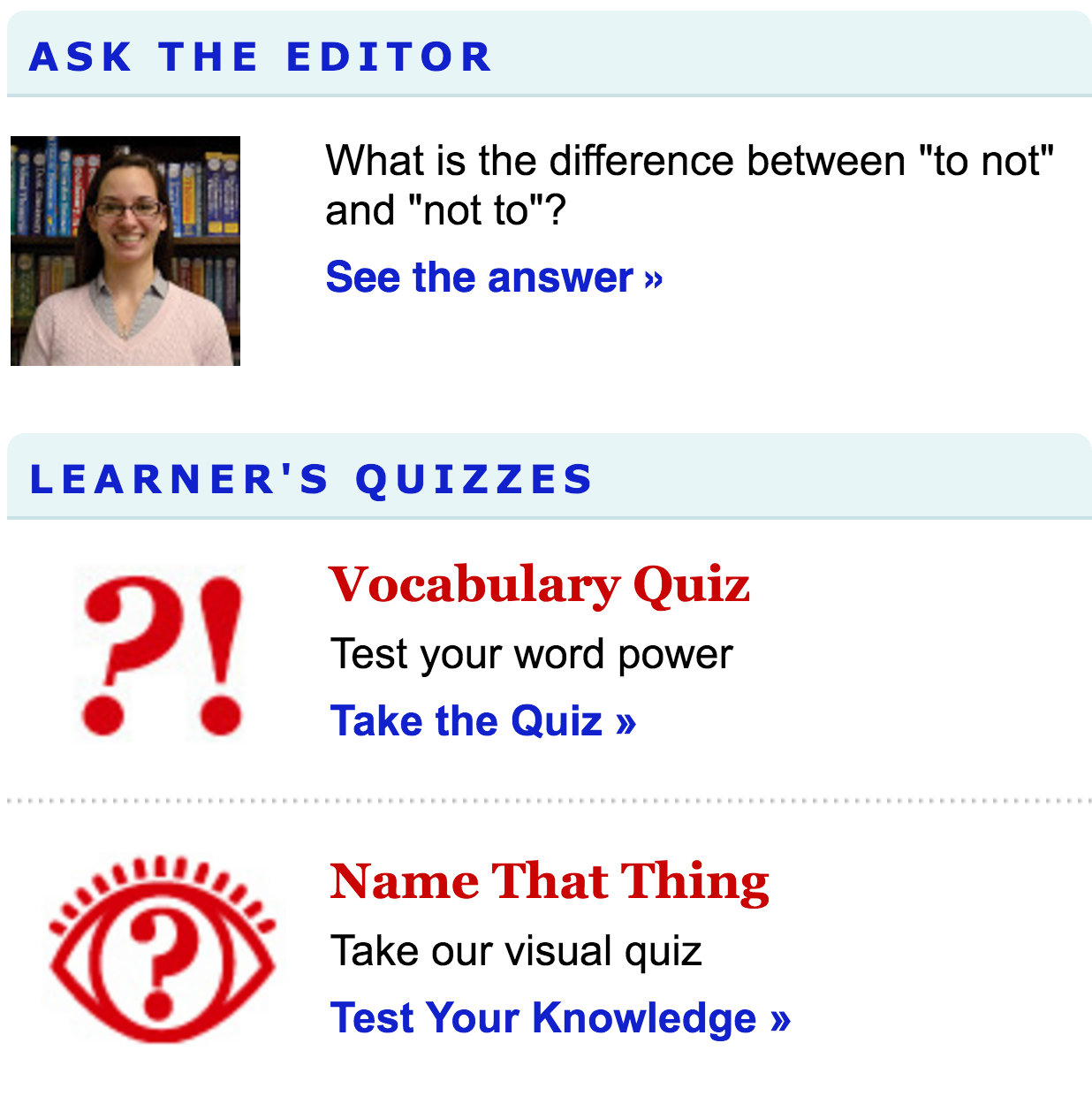
On the right sidebar, the site also provides ‘word of the day’, ‘Quiz’, ‘Visual Quiz.’ These sections provide a way for you to engage with new words or test your vocabulary if you are up for it. The ‘Ask the editor’ section will provide you with an article written by the editor in response to users’ questions about language usage (see Figure 6).

Figure 6: Features on the sidebar such as ‘Ask the Editor’ or ‘Learner’s Quizzes.’

Credibility

The content on this site is considered authoritative as it is produced by Merriam-Webster, the company that produces the Encyclopedia Britannica. The definition provided by the company’s regular dictionary, Merriam-Webster Dictionary (see review), is occasionally cited by researchers in my field when they need to define a word or explain how a concept has evolved from the early dictionary definition to a more contemporary academic interpretation.


Note:

  1. All the screenshots are taken on Merriam-Webster’s LearnersDictionary.com.
  2. This work is an extension of a course project for ELI 510 offered by the English Language Institute at the University of Michigan.
  3. Thanks to my former instructor, Pamela Bogart, who has kindly provided feedback and has helped me edit this review.